How to Start Coding With Your Child: A Practical Guide for Parents
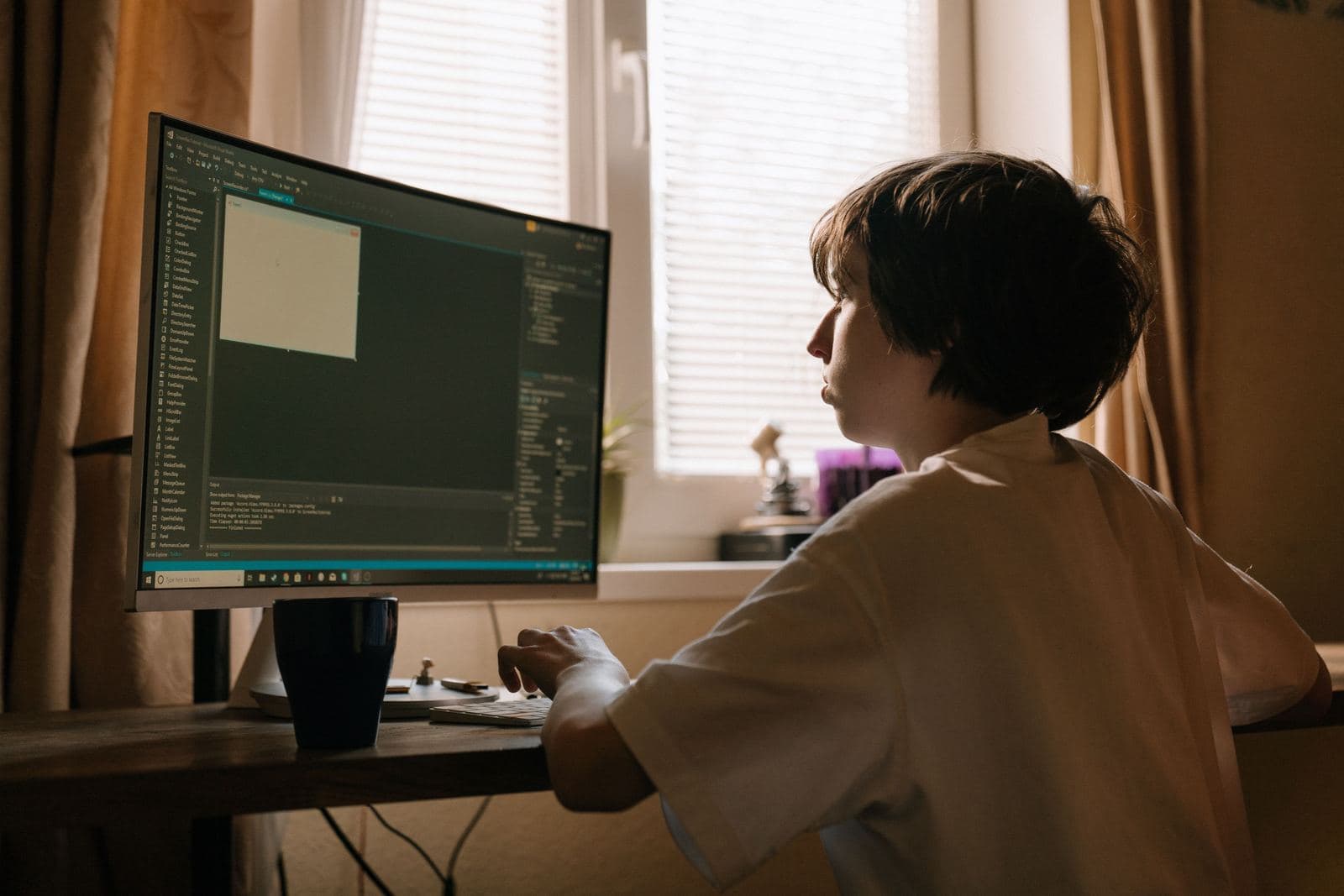
Your kid says they want to build their own game. You've never written a line of code. That's a fine place to start — in Scratch, you don't need any programming background to get going together. Just a computer, a browser, and one small win on screen.
What age is right?
Seven or eight is the usual sensible starting point: kids can read on their own and hold focus on one task for a while. Age matters less than readiness. A kid who likes puzzles, or just wants to build their own game, is ready regardless of the number.
What you actually need
A laptop or tablet with a browser and internet — Scratch runs online, no install required. An account on scratch.mit.edu is only needed to save projects; without one, a kid can still try the editor as a guest. Headphones help for sound-heavy projects, but nothing else is required to start.
Why Scratch, not Python
In Scratch, you build a program out of colored blocks instead of lines of text. There's no such thing as a syntax error — a missing comma, a wrong bracket — because blocks simply won't snap together the wrong way. The kid sees the result immediately: a character moves, a sound plays, the game ends. All the attention goes into logic, not syntax.
The difference shows up on the simplest example: printing text in Python means writing print("Hi") and getting the quotes and indentation right. The same result in Scratch is one "say Hi" block dragged onto the script — there's no way to format it wrong.
The first lesson: concrete, not theory
A good first lesson ends with one sentence: the cat on screen moves when you press an arrow key. Nothing more. Every next concept — loops, conditions, variables — gets introduced only in service of a concrete effect, never in the abstract.
Common mistakes parents make early on
The most common one is grabbing the mouse the moment something breaks — the kid quickly learns to watch instead of think. The second is aiming too big for a first goal, like "let's make a whole game" instead of one thing moving on screen. The third is comparing a kid's pace to someone else's — every kid reaches the same concepts on a different timeline, and that's normal.
When your kid gets stuck
The first project sometimes doesn't work the way your kid pictured it. What matters is how the adult in the room reacts. Calling it a failure ends the learning right there. Calling it debugging — figuring out which block is doing something other than intended — teaches exactly the thing that makes coding with kids worth doing.
On your own or with a teacher?
Free tutorials work well for kids who are already motivated and like exploring on their own. Most kids do better with someone who demonstrates the first step live, answers a question the moment it comes up, and matches the pace to the child — instead of leaving them alone in front of a screen with a video running in the background.
If your kid keeps opening Scratch between lessons and asks "how do I make it so...", self-directed learning might be enough. If the first bug gets an "I can't do this" and the laptop closes, they need someone to show that a bug is a normal step, not a verdict.
Want to sign your child up for Scratch lessons?
Check out our group and 1-on-1 online lessons for kids aged 7-15.
See pricing →